
This document introduces the models, key features and technical support information of enVision
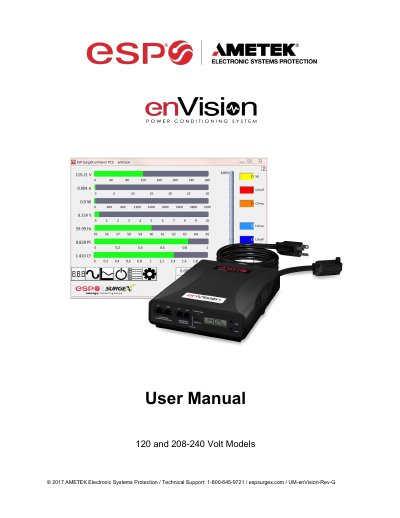
This manual provides step-by-step instructions for installing and operating AMETEK’s enVision power filters, including wiring, connecting equipment, and using diagnostic software. It details hardware components like the LCD event monitor and data interface cable, and covers software setup for data retrieval and event logging. Troubleshooting sections address wiring faults, abnormal voltage, and software issues.
| Voltage (AC RMS) | 120V, 208-240V |
|---|---|
| Current (AC Amps) | 10A to 30A |
| Event Recorder Capacity | Up to 65535 events |
| Event Timestamp Recorder | Up to 512 events |
This manual applies to enVision models including EV-12010 BR, EV-12015, EV-20815, EV-20820, EV-20830-630, EV-23010, EV-23016, and EV-23030-GNS.
Plug the filter’s input power cord into a properly grounded, compatible branch circuit outlet. The plug acts as the disconnect device.
It displays electrical parameters like line voltage, neutral-ground voltage, load current, power, energy usage, crest factor, power factor, and frequency, as well as power disturbances including outages, under/over voltages, and surges.
Use the COM Port Setup mode to automatically detect and configure the cable. On Windows Vista/7/8/10 with UAC enabled, run the software as administrator.