
LACIE FASTKEY is a portable storage device with features such as plug and play, strong compatibility, small and portable, durable, large capacity, high speed, and secure encryption.
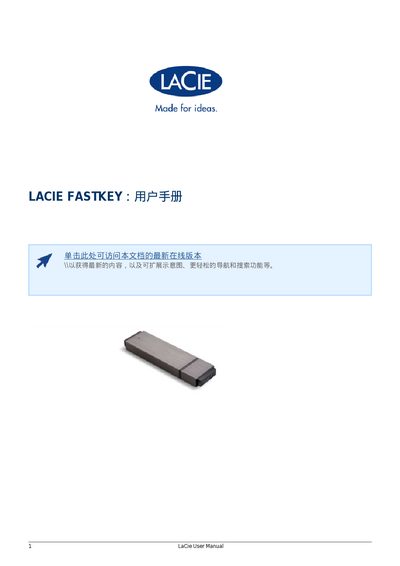
The LaCie FastKey is a compact, aluminum‑cased USB flash drive that offers up to 120 GB of storage and high‑speed data transfer via USB 3.0. It supports plug‑and‑play operation on any modern Windows or Mac computer and includes AES‑256 encryption for secure data protection.
The manual walks users through connecting the device, running the LaCie Setup Assistant, formatting the drive, creating single or dual partitions (NTFS, HFS+, or FAT32), and using the Private‑Public encryption software. It also covers technical specifications, legal notices, licensing information, and compliance statements for FCC, Canadian, and Japanese regulations. This manual is written in Chinese.
| Capacity | Up to 120 GB |
|---|---|
| Maximum Transfer Speed | Up to 260 MB/s |
| Encryption | AES‑256 (LaCie Private‑Public) |
| Dimensions | Approximately 25 cm³, key‑chain compatible |
Plug the FastKey’s USB connector into any USB 3.0 or USB 2.0 port; the device is plug‑and‑play.
The device uses AES‑256 encryption through the LaCie Private‑Public software.