
LaCie d2 Quadra User Manual, introduces the product packaging content, minimum system requirements, interface cables, hard disk heat management, connection, formatting and partitioning, troubleshooting and other content.
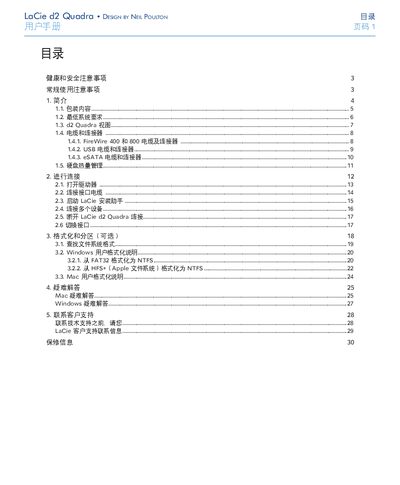
This manual explains how to safely install and operate the LaCie d2 Quadra external hard drive. It covers health and safety precautions, required power specifications, and the proper way to connect the device using USB 2.0, FireWire 400/800, or eSATA cables.
The guide also details formatting and partitioning options for Windows and Mac, offers troubleshooting tips for interference and other issues, and provides warranty and customer‑support contact information. This manual is written in Chinese.
| Power Input | 100‑240 V~, 15 A, 50‑60 Hz |
|---|---|
| Supported Interfaces | USB 2.0, FireWire 400, FireWire 800, eSATA |
| Power Cable | Only the supplied power cable may be used |
Only the power cable that comes with the device should be used.
A 512 MHz processor (or faster) and at least 128 MB RAM (512 MB recommended) are required.