
This manual introduces the basic operation, maintenance and troubleshooting of EIP-1600T projector, please read this manual carefully to fully utilize the projector
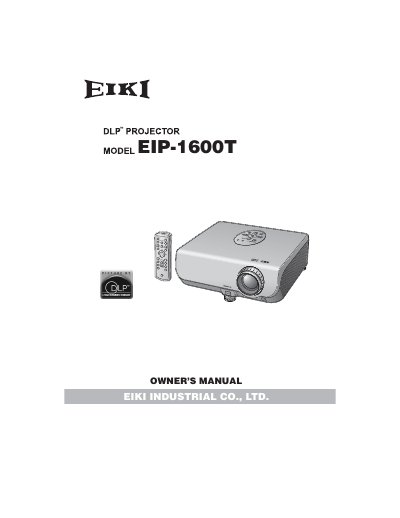
The document serves as an owner's guide for the EIKI EIP-1600T DLP Projector. It provides essential safety warnings regarding high brightness light sources and electric shock risks, along with specific instructions for UK users concerning mains plug fitting and fuse replacement.
The manual details how to navigate the on-screen menu system using buttons such as MENU, ENTER, and RETURN. It covers various adjustment options including picture settings (brightness, contrast) and input selection, while also noting that specifications may vary slightly depending on the specific model.
Do not stare into the beam of light, or view directly, and be especially careful that children do not stare directly into the beam.
The cooling fan continues to run for about 90 seconds after the projector enters standby mode.
Failure to observe this will result in premature lamp failure.