
This manual introduces the functions of LC-XT5 Multimedia Projector.
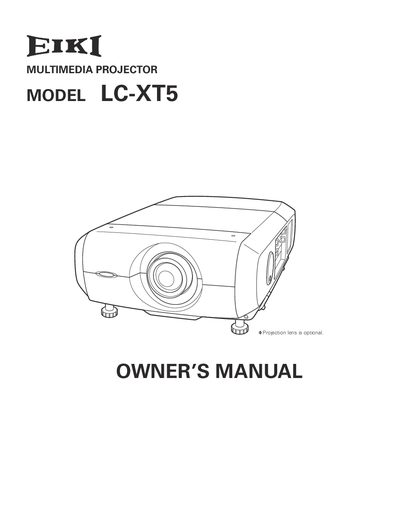
The Eiki LC-XT5 is a portable multimedia projector featuring a 1.07‑billion‑color LCD panel, motor‑driven lens shift, and support for up to UXGA resolution. It offers a multilingual on‑screen menu, digital zoom, lamp‑life management, and optional network control.
This Owner's Manual covers safety precautions, proper installation and positioning, connection to computers and video sources, basic operation, remote‑control usage, lamp and filter maintenance, technical specifications, and a troubleshooting guide to help users set up and maintain the projector safely and efficiently.
| Maximum resolution | UXGA (1920 × 1200) |
|---|---|
| Color palette | 1.07 billion colors |
| Menu languages | 12 languages |
| Lens shift | Motor‑driven up/down/left/right |
Unplug the projector from the AC power supply, do not use liquid or aerosol cleaners, and clean with a damp cloth.
The PIN code lock prevents unauthorized use of the projector.
Use the appropriate input ports and follow the steps in the "Connecting to Computer" section of the manual.