
This document is the user manual for EIP-1500T projector
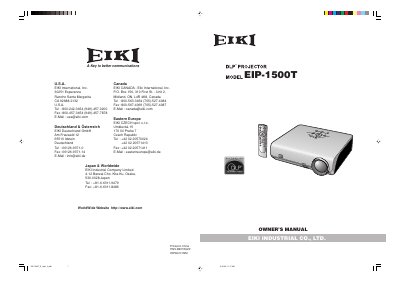
The EIKI EIP-1500T is a digital light processing (DLP) projector utilizing a DMD panel with 921,600 pixels. This owner's manual covers essential topics including safety precautions, initial setup, and connection methods for video equipment and computers.
Key operational features include image adjustment via keystone correction, focus control, and aspect ratio settings. The device supports various input modes and picture adjustments such as gamma correction and color temperature. Users can also manage lamp life status, configure on-screen displays, and utilize eco mode to extend bulb longevity.
| Pixel Count | 921,600 pixels micromirrors |
|---|---|
| Technology | DLP / Digital Light Processing |
The remote control uses two R-6 batteries of AA size.
The cooling fan continues to run for about 90 seconds after entering standby mode.
The supplied lamp unit is model AH-57201.