
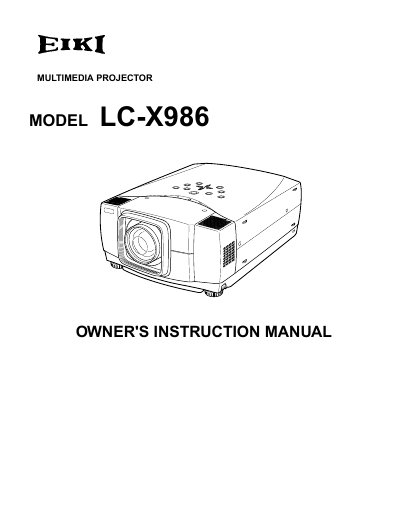
The EIKI LC-X986 owner's instruction manual begins with safety precautions and compliance information, including an FCC notice and AC power cord requirements. It then outlines preparation, projector parts, setup, connections to computers and video equipment, remote control use, on-screen menus, basic operation, computer and video modes, settings, maintenance, and troubleshooting.
The manual covers turning the projector on and off, adjusting zoom, focus, lens shift and keystone, using picture freeze, no show and P-timer functions, sound adjustment, lamp replacement, and air filter care. A troubleshooting section and technical specifications are listed near the end.
| Model Number | LC-X986 |
|---|
The model number is LC-X986.
Read the manual again, check operations and cable connections, and try the troubleshooting solutions; if the problem persists, contact the sales dealer or service center.
Unplug the projector from AC power before cleaning, do not use liquid or aerosol cleaners, and use a damp cloth.
The LASER POINTER INDICATOR lights red to indicate laser emission when the laser pointer function is used.