
This manual introduces the features and characteristics of the LC-XG110/LC-XG210 multimedia projectors, and provides detailed instructions on how to use, install and maintain the products.
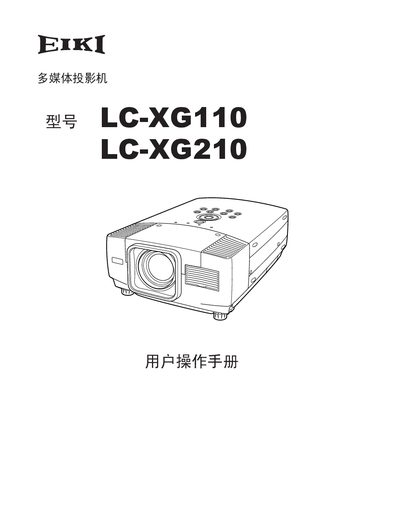
This manual begins with safety precautions, warning about high‑voltage hazards, fire risk, and eye safety. It instructs users to keep at least 20 cm clearance around the top, sides and back of the projector for proper ventilation and to avoid covering the vents.
The guide then covers installation, power connection, lens and image adjustment, input source selection, menu navigation, and maintenance tasks such as lamp replacement and cleaning. Technical specifications, connector pin‑outs, and optional accessories are listed in the final sections. This manual is written in Chinese.
| Display panel | 0.99" TFT active‑matrix, 3‑panel |
|---|---|
| Weight | 17.2 lbs (7.8 kg) |
| Dimensions (W×H×D) | 11.9" x 6.4" x 16.8" (302 mm x 162 mm x 426 mm) |
| Native resolution | 1024 × 768 pixels |
| Supported video standards | PAL, SECAM, NTSC, NTSC‑4.43, PAL‑M, PAL‑N |
| Horizontal sync frequency | 15 ~ 100 kHz |
| Vertical sync frequency | 50 ~ 100 Hz |
| Projection size (diagonal) | 30" to 300" |
| Throw distance | 4.1' ~ 32.8' (1.2 m ~ 10.0 m) |
| Input voltage | 100‑120 V AC or 200‑240 V AC (auto‑select) |
Keep at least 20 cm clearance on the top, sides and back of the projector and never cover the ventilation openings.
When the lamp‑life indicator turns yellow, replace the lamp immediately and reset the lamp‑counter after replacement.
The projector accepts 100‑120 V AC (US/Canada) and will automatically select the correct voltage.