
This document is the owner's instruction manual for the LC-X985 multimedia projector, providing information on its features and usage precautions.
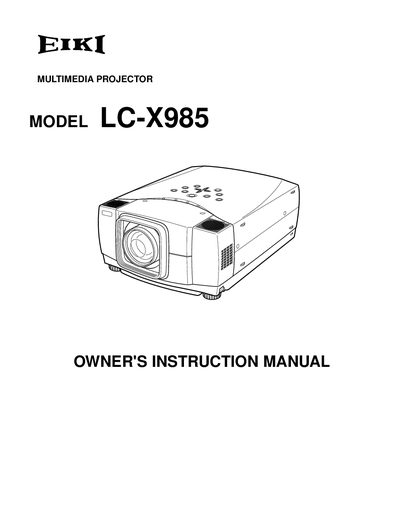
This manual explains how to install, operate, and maintain the EIKI LC‑X985 multimedia projector. It covers safety precautions, power connections, input source selection, and menu navigation, helping users achieve reliable performance and avoid hazards.
Detailed sections describe the projector’s features such as digital zoom, keystone correction, motor‑driven lens shift, and laser‑pointer remote control, as well as troubleshooting tips and maintenance procedures like lamp replacement and filter cleaning.
| Input Voltage | 100‑120 V or 200‑240 V AC (auto‑select) |
|---|---|
| Maximum Computer Resolution | 1024 × 768 (XGA) – higher resolutions are down‑scaled |
| Supported Color Systems | NTSC, PAL, SECAM, NTSC 4.43, PAL‑M, PAL‑N |
| Digital Zoom Range | Approx. 1/4 × to 49 × of original image size |
| Lens Shift | Motor‑driven, adjustable up/down |
| Power Management | Lamp turns off after 5 min of no signal or button press |