
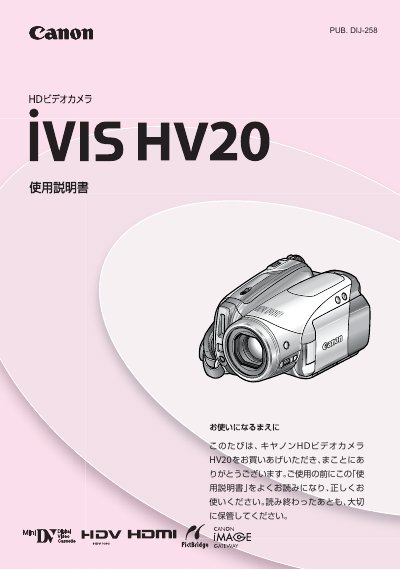
This manual introduces the Canon IVIS HV20 HD video camera, explains the included accessories, and guides the user through initial setup such as battery charging and inserting the cassette or SD‑card. It describes the various shooting modes (beauty, cinema, travel, etc.), how to adjust exposure, focus, and white balance, and how to use playback functions.
Further sections cover connecting the camera to a TV, other video equipment, or a computer via HDMI, analog‑digital conversion, or USB cable, as well as editing, printing still images, and troubleshooting common error messages. The final part lists specifications and warranty information. This manual is written in Japanese.
| Effective scan lines | 1080 |
|---|---|
| Battery type | CR2025 |
| Battery model | BP-2L13 |
| USB interface | FC-300PCl |