
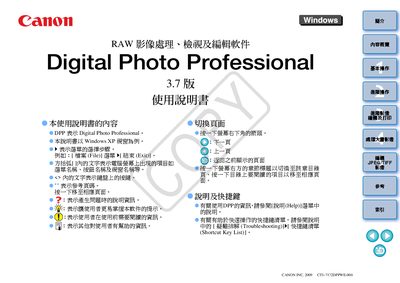
This manual explains how to download, view, edit, and print RAW images using Canon's Digital Photo Professional (DPP) software. It includes step‑by‑step instructions for basic operations, advanced editing, and batch processing of JPEG/TIFF files.
The guide also lists the supported operating systems, hardware requirements, and troubleshooting tips, helping users get the most out of DPP on Windows XP, Vista, and later versions. This manual is written in Japanese.
| Supported Operating Systems | Windows XP Professional/Home Edition, Windows Vista |
|---|---|
| CPU Minimum | Pentium 1.3 GHz |
| Memory Minimum | 1 GB RAM |
| Display Resolution Minimum | 1024 × 768 pixels |
| Color Depth Minimum | 16‑bit (or higher) |
DPP 3.7 works on Windows XP Professional/Home Edition and Windows Vista, with Service Pack 1‑3 support.
Connect the camera with the supplied cable, start DPP, and use the ‘Download Images’ function to transfer files to a chosen folder.