
This is the user manual of PowerShot A495 camera, introducing the basic operation methods and function introduction of the camera.
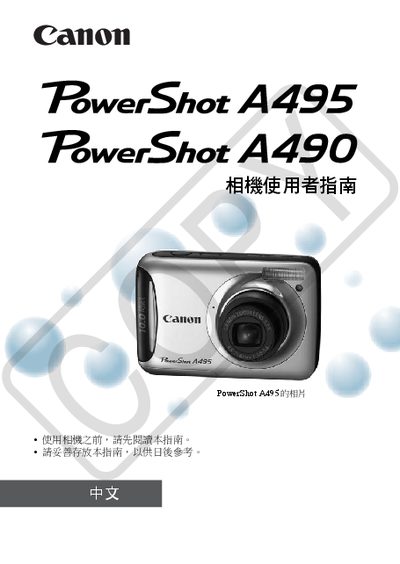
This manual provides step-by-step instructions for operating the Canon PowerShot A495 digital camera, including setup, shooting modes, playback, and troubleshooting. It covers features like face detection, scene modes, and DPOF printing. The guide also includes safety warnings and compatibility information for accessories and memory cards. This manual is written in Chinese.
| Battery Type | AA alkaline batteries (×2) |
|---|---|
| Memory Card Compatibility | Various types of memory cards |
| Screen Type | LCD screen |
Format the memory card using the camera's menu or by selecting 'Format' in the setup options.
Scene modes include Portrait, Landscape, Night Scene, Snow, Children and Animals, Beach, Plants, Sunset, Low Light, Indoor, and Fireworks.
Turn off the flash by selecting 'Flash Off' in the shooting settings or by using the flash control button.