
Bizhub C203/253/353 is a multifunctional color copier with shared user authentication function. Users can choose between color copying mode and black and white copying mode according to their needs, and various settings and adjustments can be made through the operation panel.
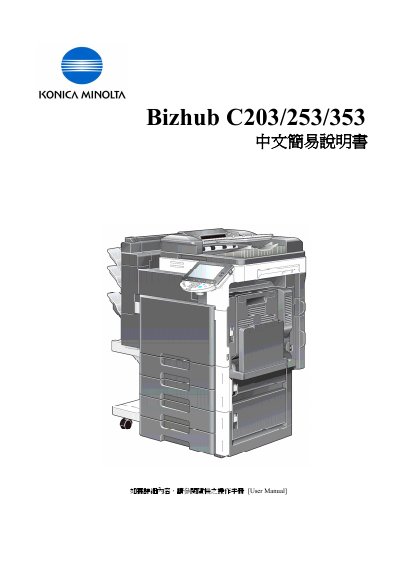
This manual covers the Konica Minolta Bizhub C203/253/353 multifunction colour copier. It explains how to log in, configure basic settings such as colour mode, paper handling, zoom, and finishing options, and how to use advanced functions like duplex, combine, and banner printing.
The guide also includes sections on job history, utility counters, and contact information for service and sales support. Each procedure is illustrated with step‑by‑step button sequences for the copier’s touch panel and keypad. This manual is written in Chinese.
| Color mode options | Auto Color, Full Color, Black, 2 Color, Single Color |
|---|---|
| Banner paper size range | 210–296 mm width, 457.3–1200 mm length |
Select Utility/Counter, choose Banner Printing, allow the function, set a custom paper size matching the banner dimensions, and start the print job.