
This is the Chinese user manual of Konica Minolta C451/C550 multifunctional all-in-one, which mainly introduces the basic settings, color, paper, magnification, etc.
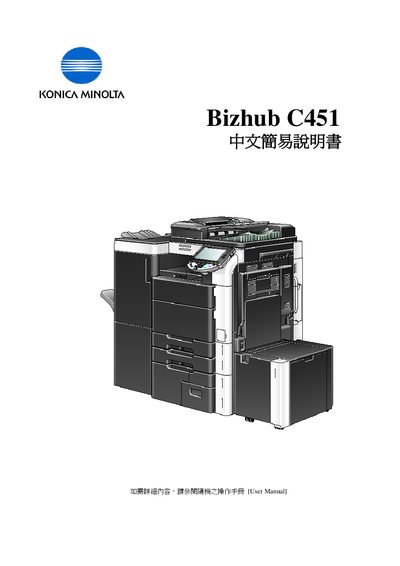
This is the simple user manual for the Konica Minolta Bizhub C451 multifunction copier. It introduces the control panel and basic copy operations, and notes that the full User Manual should be consulted for detailed content.
It covers basic settings such as color mode, paper, and zoom; finishing options such as sort, group, offset, staple, punch, and fold/bind; duplex and combine; originals and quality/density; application functions such as OHP insert; and procedures for job history, meter count, and banner printing. This manual is written in Chinese.
| Banner Paper Width | 210 - 296mm |
|---|---|
| Banner Paper Height | 457.3 –1200mm |
| Default Zoom Ratio A3 to A4 | 0.707 |
Press Basic, then Paper, select the bypass tray, press Change Tray Settings, choose the paper type, enter the size, and press OK.
Banner paper width is 210 to 296 mm and height is 457.3 to 1200 mm.
Press Utility/Counter, then Meter Count, Check Details, and Print List, select a tray, and press Start.
Yes. Press Finishing and select Sort or Group, then press Start if no other settings are needed.