
This document is a user manual for Bizhub 421/501 copiers, which introduces the functions of each key and the basic settings, including adjusting image density and background removal, changing paper size, adjusting zoom ratio, and using finishing options for copying tasks.
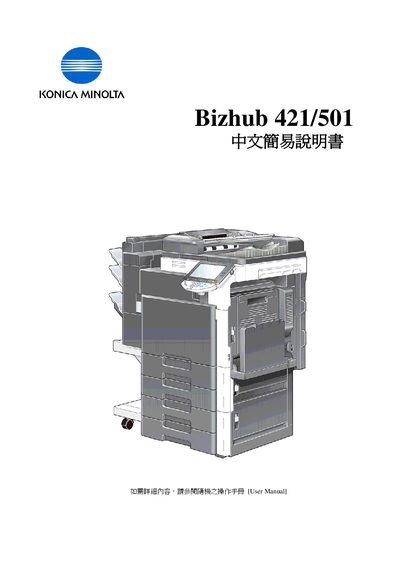
The manual explains how to use the Bizhub 421/501's touch panel and basic functions such as paper handling, zoom, duplex/combine, and finishing options. It also includes troubleshooting steps for paper jams, toner replacement, and accessing job history.
Key sections cover paper size selection, staple/punch/fold options (which require optional accessories), application features like OHP inserts and cover mode, and contact information for technical support and consumable ordering. This manual is written in Chinese.
Select the paper tray, choose "Change Tray Settings," then press "Standard Size" to set a standard size or "Custom Size" to enter dimensions.
Press the illustration button to view detailed jam‑clearing steps and follow the arrows indicating which panels to open.