
This is a user manual for a copier. It mainly introduces the functions and usage methods of the copier, including color setting, paper setting, zoom setting, etc.
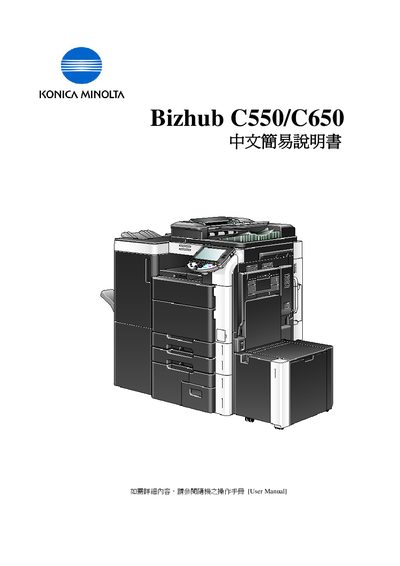
This manual explains how to operate the Bizhub C550/C650 multifunction copier. It covers initial configuration, color mode selection, paper tray settings, zoom adjustments, duplex/combination copying, and various finishing options such as stapling, punching, and folding.
Additional sections describe application functions like OHP interleaving, job history review, secure print setup, and contact information for technical support and consumable ordering. This manual is written in Chinese.
Select the Color option and choose Auto Color, Full Color, Black, 2 Color, or Single Color as needed.
Stapling, punching, and folding/binding functions are only available when the required accessories are installed.