
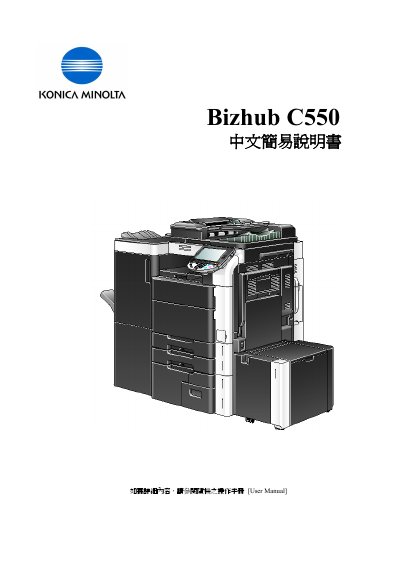
Konica Minolta Bizhub C550 Multifunction Copier User Manual


Konica Minolta Bizhub C550 Multifunction Copier User Manual - cover page
Brand
Konica Minolta
Category
copier
Document type
User Manual
Language
Chinese
Pages
28
File format
PDF
Published
08 November, 2011
Updated
29 September, 2023
Model
C550
MD5 checksum
4B8355692C55CAB78D299B6712D51421

About this manual

This simplified manual for the Konica Minolta Bizhub C550 explains the touch panel and control keys, then walks through basic copy settings such as color mode, paper size, zoom, duplex/combine, original settings, and quality/density. It also describes finishing options including sort/group, offset, staple, punch, and fold/bind, along with OHP interleave. This manual is written in Chinese.

What's inside

  • Control Panel
  • Color Mode
  • Paper
  • Zoom
  • Sort/Group and Offset
  • Staple, Punch, and Fold/Bind
  • Duplex/Combine
  • Original Settings and Quality/Density
  • OHP Interleave
  • Secure Print

Frequently asked questions

How do I change the copy color mode?

Press Color and select Auto Color, Full Color, Black, 2 Color, or Single Color.

How can I print the meter count?

Press Utility/Counter, then Meter Count, Check Details, and Print List; choose a tray and press Start.

How do I use Secure Print from a computer?

In the print dialog, open Preferences, select Secure Print under Output Method, enter the Secure Print ID and password, and press OK.

Download PDF

More Konica Minolta Manuals


View all Konica Minolta manuals →