
This manual is a user guide for Linksys Wireless-G Broadband Router, which introduces the hardware connection, installation and configuration of the router, and provides instructions for troubleshooting and security.
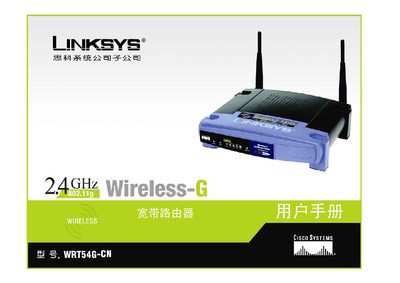
This manual guides users through planning a wireless network, connecting the WRT54G-CN router to a broadband modem and other devices, and installing the router using the built‑in installation wizard. It also explains how to configure basic and advanced settings such as DHCP, static IP, wireless security (WPA, WEP, WPA2) and MAC address cloning.
Additional sections cover application and gaming features, management tools, firmware upgrades, regulatory information, warranty details and contact information for Linksys support. The appendices include a glossary, troubleshooting FAQ, and full technical specifications of the router. This manual is written in Chinese.
| Model | WRT54G-CN |
|---|---|
| Standards | IEEE 802.3, 802.3u, 802.3g, 802.3b |
| Wireless Channels | 1‑11 (US/Canada), 1‑13 (Europe/Japan) |
| Ports | 1×10/100 Mbps WAN, 4×10/100 Mbps LAN, 1×Power |
| Power Supply | External DC 12 V 1.0 A |
| Dimensions (W×H×D) | 186 mm × 48 mm × 200 mm |
| Weight | 0.482 kg (17 oz) |
| Operating Temperature | 0 °C ~ 40 °C (32 °F ~ 104 °F) |
| Storage Temperature | -20 °C ~ 70 °C (-4 °F ~ 158 °F) |
| Operating Humidity | 10 % ~ 85 % non‑condensing |
| Security Features | SPI firewall, NAT, WPA/WPA2, WEP, MAC filtering |
Linksys provides a three‑year limited warranty for the router under normal use.
The router includes one 10/100 Mbps WAN port and four 10/100 Mbps LAN ports.
It requires an external DC power supply of 12 V at 1.0 A.