
The Linksys WAP54G-CN manual provides installation, configuration, advanced settings, specifications and warranty information for the Wireless‑G access point.
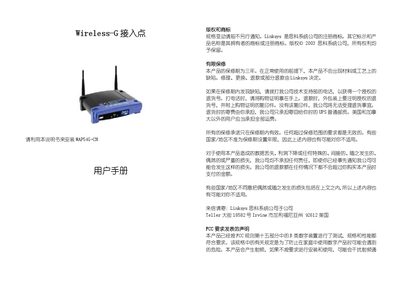
This manual guides users through planning a wireless network, connecting the WAP54G‑CN access point, and configuring basic and advanced settings via a web‑based utility. It includes step‑by‑step instructions for initial setup, IP configuration, SSID and channel selection, and security options such as WEP and passphrase.
Additional sections cover troubleshooting, TCP/IP and IPX configuration, a glossary of terms, detailed hardware specifications, warranty details, and contact information for Linksys support. This manual is written in Chinese.
| Standard | IEEE802.11g, IEEE802.11b |
|---|---|
| Channels (US/EU/JP) | 11 (US), 13 (EU), 14 (JP) |
| Ethernet Port | One 10/100 Mbps auto‑MDI/MDI‑X port |
| Wireless Data Rate | Maximum 54 Mbps |
| Ethernet Data Rate | 10/100 Mbps |
| Transmit Power | 15 dBm |
| Receive Sensitivity | -80 dBm (11 Mbps) typical, -65 dBm (54 Mbps) |
| Dimensions | 7.32" × 6.89" × 1.89" (186 mm × 175 mm × 48 mm) |
| Weight | 18.25 oz (0.51 kg) |
| Operating Temperature | 32 °F‑1040 °F (0‑400 °C) |
| Storage Temperature | -40 °F‑158 °F (-20‑70 °C) |
| Operating Humidity | 10%‑80% (no condensation) |
The default IP address is 192.168.1.245.
Press and hold the reset button for about ten seconds with a pointed object, or use the password label on the device.