
This user guide is designed to help you get started with the Mini Wireless-G Broadband Router.
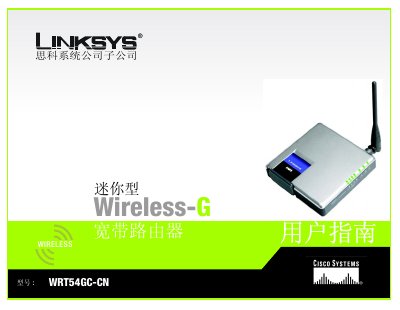
This user manual guides you through installing and using the Linksys WRT54GC-CN mini Wireless‑G broadband router. It covers network planning, hardware connections, web‑based configuration, wireless settings, security options, and troubleshooting steps.
The document is organized into chapters on introduction, network planning, router overview, hardware connections, configuration via the web utility, management and status tabs, and several appendices including troubleshooting, wireless security, firmware upgrade, Windows help, MAC address information, specifications, warranty, regulatory information, and contact details. This manual is written in Chinese.
| Wireless standards | 802.11b / 802.11g |
|---|---|
| Maximum wireless data rate | up to 54 Mbps (Wireless‑G) |
| Ethernet ports | four LAN ports |
| Network address translation | NAT enabled |
Open a web browser and navigate to the router’s IP address; the manual explains the steps in the "How to access the web‑based utility" section.
Select the Management tab, choose Firmware Upgrade, and follow the on‑screen instructions to upload the new firmware file.