
This is a wireless router model WRT300N, which supports 2.4GHz wireless network.
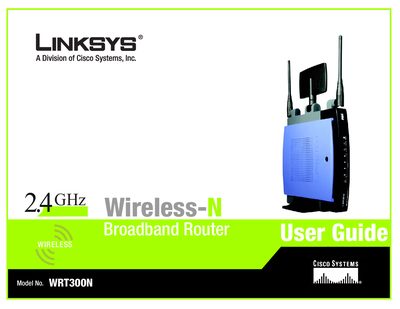
This user guide helps you set up and use the Linksys WRT300N Wireless-N Broadband Router. It covers connecting hardware, configuring wireless and network settings via a web-based utility, securing your network with WPA2, and troubleshooting common issues. The guide also includes appendices on firmware upgrades, MAC address management, and technical specifications.
The router supports wireless networking with up to three times the range of standard Wireless-G, and features a stateful packet inspection firewall, NAT technology, and VPN passthrough for secure and flexible network access.
| Wireless Standard | Wireless-N |
|---|---|
| Wireless Frequency | 2.4 GHz |
| Security Protocol | WPA2 |
| Firewall Technology | Stateful Packet Inspection (SPI) |
| Network Address Translation | NAT |
You can access the web-based utility by entering the router’s IP address into a web browser.
The router offers WPA2 security, a stateful packet inspection firewall, and NAT technology.
Yes, you can upgrade the firmware using the Administration Tab - Firmware Upgrade section.