
This is a user guide for a wireless router, which provides information on how to set up and use the wireless router
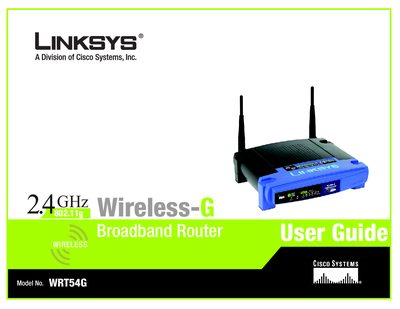
This user manual guides you through planning, installing, and configuring the Linksys WRT54G Wireless‑G Broadband Router. It covers hardware connections, the web‑based utility, and detailed settings for wireless security, DHCP, NAT, and advanced routing.
Additional sections include troubleshooting tips, firmware upgrades, MAC address cloning, and contact information for support, warranty, and regulatory details.
The MAC address information is provided in Appendix E, which explains how to locate the MAC address and IP address for your Ethernet adapter.
Firmware upgrades are described in Appendix C, which gives step‑by‑step instructions for updating the router’s firmware.
For warranty or product support you can call Linksys at 800‑326‑7114.