
Philips PhotoFrame Quick Start Guide, including product features, operation methods, power connection and file transfer methods.
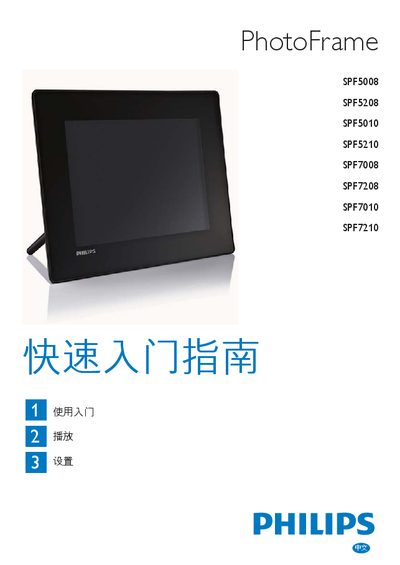
The guide provides step‑by‑step instructions for unpacking, mounting the frame, connecting power and SD/USB storage, selecting language, and transferring photos, music or video files using the Philips PhotoFrame Manager software. It also covers basic operation of the control buttons, playback modes, and how to adjust brightness and volume.
Additional sections explain how to use optional features such as the theme clock, Bluetooth pairing and PIN configuration, and answer common troubleshooting questions about file compatibility, automatic power‑off, and resetting the device. This manual is written in Chinese.
| Maximum JPEG resolution | 8000 x 6000 pixels |
|---|---|
| Maximum gradient JPEG resolution | 1024 x 768 pixels |
| Supported audio format | MP3 (MPEG‑Audio Layer III) |
| Supported video formats | M‑JPEG, MPEG‑1, MPEG‑4, H.263 |
| Default Bluetooth PIN | 0000 |
| LCD touch support | No |
Only JPEG and gradient JPEG files up to the maximum resolutions are supported; photos that exceed those limits or are corrupted will not display.