
It explains how to use the watch, including timer mode, animation mode, daylight saving time and preset information.
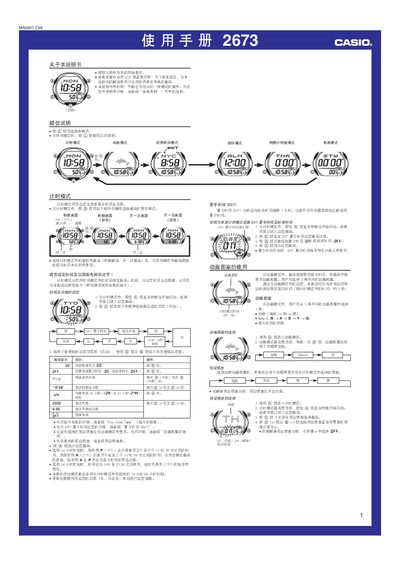
This manual explains how to operate the Casio 2673 1MA0407-CkA watch, including setting time and date, configuring world time, alarms, countdown, stopwatch, and animation modes. It also covers DST settings, city code selection, and pre-set message options.
The watch features a dual-color LCD display, and its modes are interconnected — for example, time settings in the time mode affect world time mode. The manual includes detailed instructions for each function, with diagrams and button references. This manual is written in Chinese.
| Display Type | Dual-color LCD |
|---|---|
| City Support | 30 cities (27 time zones) |
| Pre-set Messages | I ♥ YOU, THANKS, CONGRATULATIONS, etc. |
Press and hold button A until the seconds digit starts flashing. Then use button C to select the setting item, and D and B to adjust the value.
Enter animation mode, then press and hold button A for about 1 second to toggle the automatic time display on or off.
The watch supports 30 cities across 27 time zones.
Use button D to move east and button B to move west to select the desired city.