
This is a user manual for PX830CK1A digital piano, which mainly introduces the features and usage methods of this model digital piano.
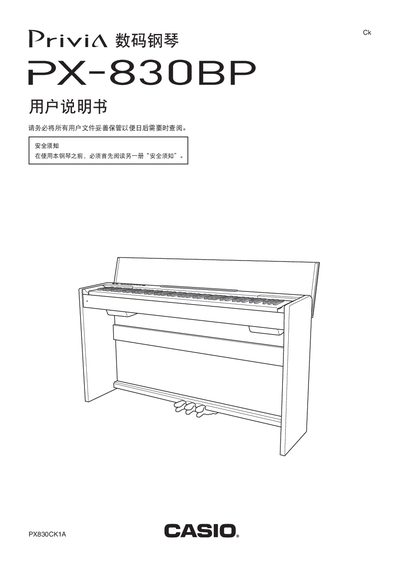
This manual covers the PX-830BP digital piano’s hardware layout, including the 88‑key keyboard, touch‑response settings, and pedal functions. It explains how to select and adjust the 16 built‑in tones, use effects such as reverb and chorus, and configure split‑point and dual‑zone modes for two‑player use.
The guide also details storage‑card operations, USB and MIDI connectivity, and computer interface requirements. Safety instructions, troubleshooting tips, and full product specifications are provided in the final sections. This manual is written in Chinese.
| Keyboard keys | 88 |
|---|---|
| Touch response levels | 3 (–3 to 0 to 3) |
| Number of tones | 16 |
| Maximum polyphony | 128 notes |
| Built‑in songs | 60 |
| SD card capacity | up to 2 GB |
| Power supply | 24 V DC, 60 W |
| Output power (speakers) | 20 W × 2 |
The piano has an 88‑key keyboard.
There are 16 built‑in tones.
The maximum polyphony is 128 notes.
Yes, it supports USB device mode for computer connection.