
This is the user manual of Casio EX-Z50 digital camera, which introduces the features, usage methods and precautions of the camera.
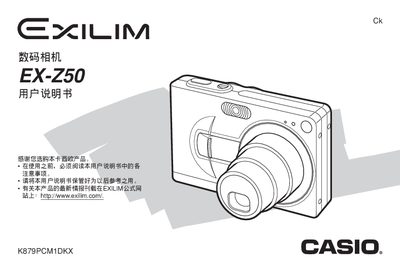
This manual explains the safe use of the EX‑Z50, covering basic operations such as power on/off, shooting modes, image playback, and essential settings like ISO, white balance, and exposure. It also includes important safety notices, battery handling, and warranty information.
Advanced features are described in detail, including BESTSHOT, Business Shot, PictBridge printing, USB file transfer, and LCD menu navigation. The guide also covers file management, firmware updates, and specifications for power, dimensions, and environmental limits.
| Weight | 34 g |
|---|---|
| Dimensions (W×H×D) | 38.3 mm × 38.0 mm × 9.3 mm |
| Battery Capacity | 1230 mAh |
| Power Consumption | 3.0 W at 3.7 V |
| Input Voltage | 100‑240 V AC, 30/60 Hz |
| Output Voltage | 3.3 V DC, 600 mA |
| LCD Pixel Yield | 99.99 % |
Only the NP‑40 battery pack should be used via the USB base; other batteries are not supported.
Yes, the camera provides a USB port for file transfer and supports PictBridge printing.