
This is the user manual of Casio EX-S3 digital camera
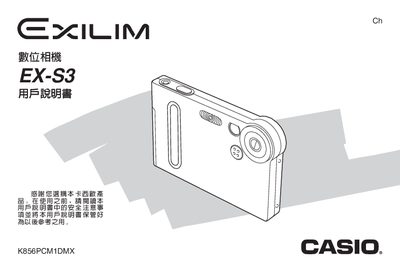
This manual provides step‑by‑step instructions for setting up the Casio EX‑S3 camera, including battery installation, memory management, USB connection, and basic shooting functions. It also explains menu navigation, language and clock settings, and how to use special features such as Best Shot and Self‑timer.
Additional sections cover troubleshooting, safety warnings, and detailed technical specifications of the camera, battery, and power requirements. The document includes a CD‑ROM with software for Windows and Macintosh and provides guidance for printing and managing images. This manual is written in Japanese.
| Battery type | NP-20 ion rechargeable battery |
|---|---|
| Battery voltage | 3.7 V |
| Battery capacity | 680 mAh |
| Camera weight | ≈16 g |
| Power consumption | 3.4 W at 3.3 V |
| Power supply (AC) | 100‑240 V AC, 50/60 Hz, 0.12 A |
The camera uses only the dedicated NP‑20 ion rechargeable battery; other battery types are not supported.
When the battery is removed, the date and time settings are cleared and must be reconfigured after the battery is re‑installed.