
This document is an instruction manual for CASIO watch models 4734 and 4735. The watch features measurement functions, hunting/fishing level chart and moon phase chart, temperature trend display, etc.
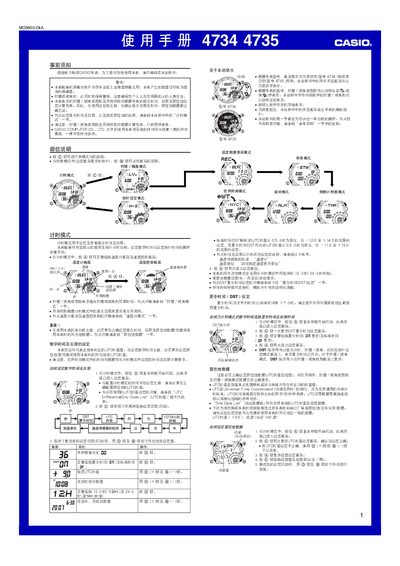
This User Manual covers the Casio 4734 and 4735 watches. It explains the Timekeeping Mode, digital time and date setting, DST settings, home location data, and analog hand adjustment.
It also describes Hunting/Fishing Mode, hunting/fishing level and moon data displays, date selection, and Thermometer Mode, including temperature display, trend graphs, and sensor calibration references. This manual is written in Chinese.
| Display variants | Model 4734: black on white; model 4735: white on black. |
|---|---|
| UTC differential range, standard time | 0.5-hour units from -12.0 to +14.0. |
| UTC differential range, DST | 0.5-hour units from -11.0 to +15.0. |
| Longitude setting | 0° to 180°, in 1° units. |
| Temperature display range | -10.0°C to 60.0°C (14.0°F to 140.0°F). |
| Temperature display unit | 0.1°C or 0.2°F. |
| Temperature measurement interval | Every even minute. |
| Temperature trend memory | About 17 hours, one point per hour. |
| Selectable date range | January 1, 2000 to December 31, 2099. |
| Factory default home data | UTC +9.0; longitude 140° east. |
The current time, date, and home location data must be set correctly before using the functions.
In Timekeeping Mode, hold A until the seconds flash, use C to select settings, use D and B to change values, and press A twice to exit.
Press C seven times in Timekeeping Mode to enter Hand Setting Mode, hold A until the digital time flashes, adjust with D, and press A to exit.
The thermometer display range is -10.0°C to 60.0°C, or 14.0°F to 140.0°F.