
This manual introduces the basic functions and usage of the digital camera.
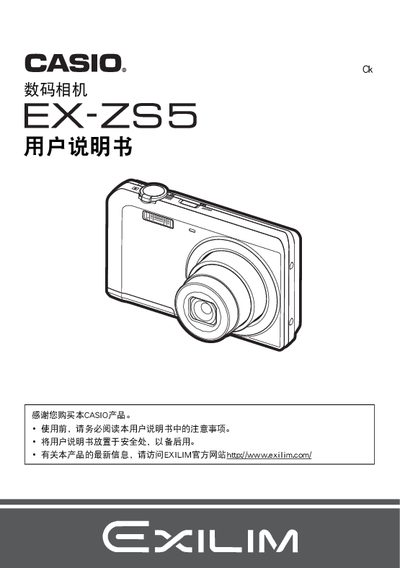
This manual covers safety precautions, package contents, and initial setup steps such as charging the battery and installing the USB‑AC adapter. It also explains basic camera functions, menu navigation, and how to configure shooting modes and image settings.
Further sections describe playback, file management, printing via PictBridge, and detailed specifications of the camera and its accessories. Troubleshooting tips and regulatory information are included at the end of the document. This manual is written in Japanese.
| Battery voltage | 37 V |
|---|---|
| Battery capacity | 700 mAh |
| Operating temperature (camera) | 0 to 40 °C |
| Dimensions (camera) | 31.4 × 39.5 × 5.9 mm |
| Weight (camera) | 19 g |
| Adapter input voltage | 100‑240 V AC |
| Adapter input frequency | 50/60 Hz |
| Adapter output | 5.0 V DC, 650 mA |
| Adapter dimensions | 53 × 21 × 45 mm |
| Adapter weight | 37 g |
Use the USB connection or the PictBridge function to send images directly to a compatible printer or computer.
Select the format (initialization) option in the camera menu to erase and prepare the storage card.