
This document is a user manual for bizhub C220/C280/C360, which introduces basic functions and operation methods of the device.
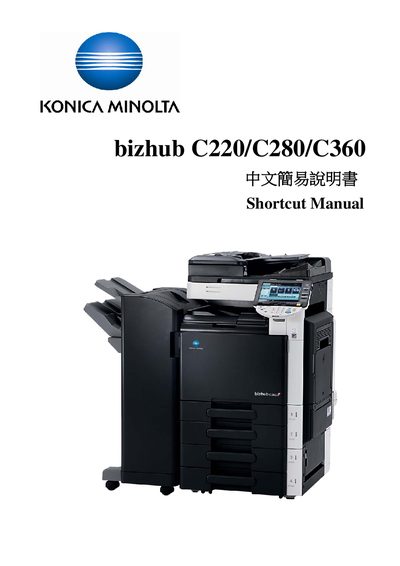
The Shortcut Manual gives quick instructions for using the bizhub C220/C280/C360 series, covering basic settings such as color mode, paper selection, zoom ratios, and copy functions. It explains how to navigate the touch panel, select user authentication, and perform simple copy tasks.
Optional features are described, including stapling, punching, folding/binding, duplex/combination printing, and printing from external memory. Contact information for sales, service, and technical support in Hong Kong is also provided. This manual is written in Chinese.