
This quick start guide explains the basic control program setup for ABB ACS880 drives, covering power‑on, date/time, voltage, motor data, and control signal…
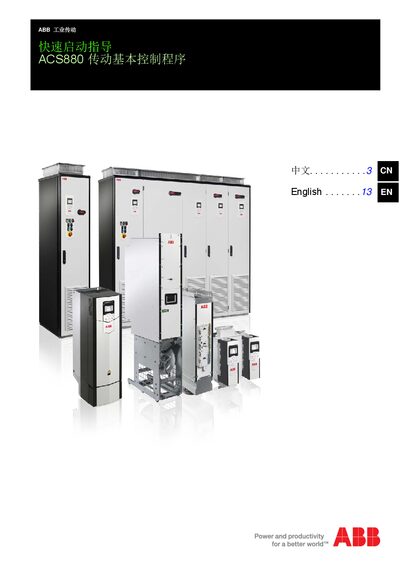
The guide provides step‑by‑step instructions for initializing an ACS880 drive equipped with the primary control program. It covers safety requirements, power‑on procedures, date and time configuration, supply voltage selection, motor data entry, and control signal setup.
Safety warnings emphasize that only qualified electrical engineers may install or maintain the drive, and that the drive must be de‑energized before any work. After completing the configuration, the drive can be started from the local control panel or via I/O signals. This manual is written in Chinese.
| Supply voltage options | 208–240 V, 380–415 V, 440–480 V, 500 V |
|---|---|
| Motor rated current range (DTC mode) | 1/6 × IHd … 2 × IHd |
| Motor rated voltage range | 1/6 × UN … 2 × UN |
| Acceleration time parameter | Parameter 23.12 |
| Ramp set selection parameter | Parameter 23.11 |
Open the Settings menu, select the highlighted "Date & time" entry, then choose "Date" and adjust the values with the cursor keys before saving.
The drive can be configured for 208–240 V, 380–415 V, 440–480 V, or 500 V supply voltages.
Start the drive with a positive (forward) speed reference either from the local control panel (press Options → Reference → Save → Start) or via I/O by adjusting analog input AI1 and setting digital inputs DI1/D2.
Only qualified electrical engineers should install or maintain the drive, ensure the drive is de‑energized, and disconnect the load if the rotation direction is incorrect or if load torque exceeds 20 % of rated torque.