
The TP-Link TL-WN725N User Guide provides setup, driver installation, and management instructions for the 150 Mbps Wireless N Nano USB Adapter.
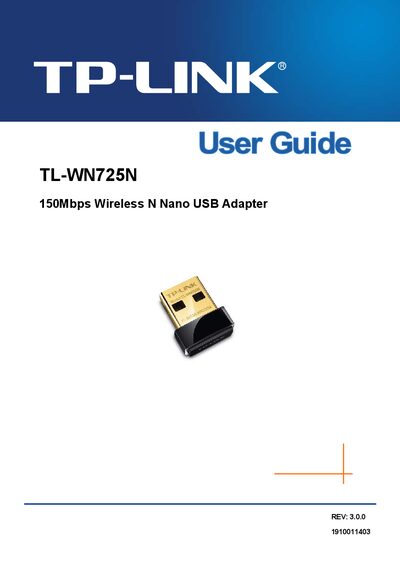
The TL-WN725N is a 150 Mbps Wireless N Nano USB Adapter that connects notebooks or desktops to Wi‑Fi networks for streaming, gaming, and secure Internet access. The guide explains the adapter’s features, LED status indicators, and supported wireless standards.
The manual walks you through connecting the adapter, installing drivers and utilities on Windows, macOS, and Linux, and managing wireless networks, including WPS and advanced settings. Safety, regulatory, and compliance information are also included.
| Interface | USB 2.0 |
|---|---|
| Wireless Standards | IEEE802.11b/g/n, IEEE802.1x, IEEE802.11e |
| Operating Systems | Windows 8.1/8/7/XP/Vista, Mac OS X 10.7‑10.10, Linux |
| Maximum Throughput | 150 Mbps |
| Frequency | 2.4 ~ 2.4835 GHz |
| Working Temperature | 0 °C ~ 40 °C |
| Storage Temperature | -40 °C ~ 70 °C |
| Working Humidity | 10 % ~ 90 % RH |
| Storage Humidity | 5 % ~ 90 % RH |
Insert the adapter; Windows XP or Vista will show a Found New Hardware Wizard—click Cancel and then follow the Windows driver installation steps in the guide.
The adapter works with Windows 8.1/8/7/XP/Vista, Mac OS X 10.7‑10.10, and Linux.