
This is a user manual for a CASIO digital camera, which introduces the camera's functions and usage methods.
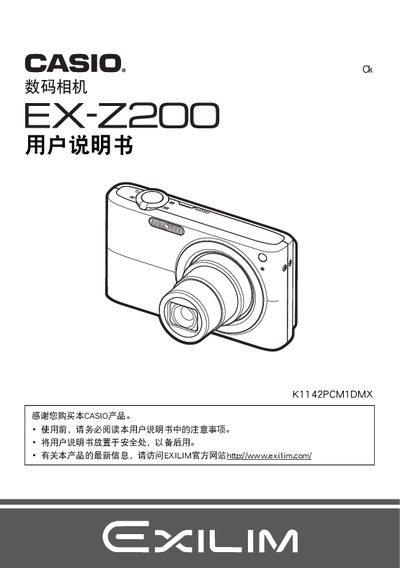
This manual begins with safety notices and a checklist of items included in the camera package, such as the NP-40 lithium‑ion battery and BC-31L charger. It explains how to install the battery, charge it, and set the initial language and date settings.
The guide then covers camera functions: inserting and formatting memory cards, selecting shooting modes, adjusting ISO, exposure, focus, and flash settings, using features like Best Shot, face detection, and continuous shooting, as well as playback, file management, and connecting the camera to a PC or Mac via USB. A troubleshooting section lists common issues and how to reset the camera to factory defaults. This manual is written in Chinese.
Select the Format (初始化) option in the menu to format the internal memory or an inserted memory card.