
This document is a user manual for the K836PCM1DMX Ck digital camera EX-S600, which includes the features and precautions of the product.
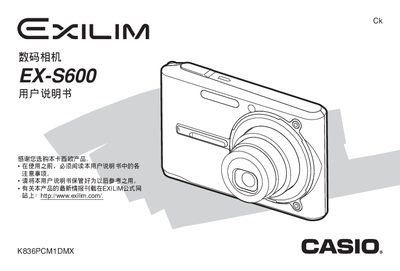
This manual introduces safety precautions and basic handling for the Casio EX‑S600 digital camera, including battery charging, power requirements and proper storage. It also outlines the warranty disclaimer and the importance of backing up data.
Detailed sections cover camera operation such as shooting modes, autofocus, self‑timer, ISO settings, white balance, video recording, image playback, USB connection, file management, and audio settings. The guide provides step‑by‑step instructions for using accessories like the USB dock and explains how to transfer images to a computer or printer. This manual is written in Japanese.
| AC Power Input | 100‑240 V, 50/60 Hz, 83 mA |
|---|---|
| DC Power Input | 3.3 V, 630 mA |
| Dimensions | 30 mm × 20 mm × 70 mm |
Refer to the Battery Charging section (page 32) for step‑by‑step charging instructions.
Connect the camera to a computer via the USB dock as described in the USB Connection section (page 25).
The Self‑Timer usage instructions are provided on page 65.
ISO sensitivity can be adjusted in the ISO Settings section (page ??).