
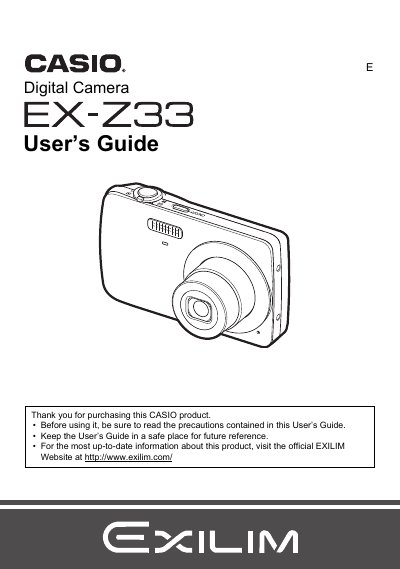
The Casio EXILIM EX-Z33 User's Guide explains how to unpack and prepare the camera, charge and load the NP-82 battery, insert a memory card, turn the camera on and off, shoot snapshots, and view or delete images. It also covers snapshot settings, BEST SHOT, movie and audio recording, playback, printing, and using the camera with a computer.
Reference sections describe on-screen menus, monitor screen settings, setup options, precautions, power supply and memory card handling, troubleshooting, display messages, and specifications. The guide notes that the NP-82 battery is included with this EXILIM model and that replacement or spare batteries should be NP-80.
| Included battery | Rechargeable lithium ion battery (NP-82) |
|---|---|
| Included charger | Charger unit (BC-80L) |
| Replacement battery | NP-80 |
| Monitor pixel yield | in excess of 99.99% |
| Included accessories | Power cord, USB cable, strap, CD-ROM, Basic Reference |
The package includes the digital camera, NP-82 rechargeable lithium ion battery, BC-80L charger unit, power cord, USB cable, strap, CD-ROM, and Basic Reference.
The guide says to purchase an NP-80 battery when buying a replacement or spare for the NP-82 battery.
Contact your original retailer if anything is missing.