
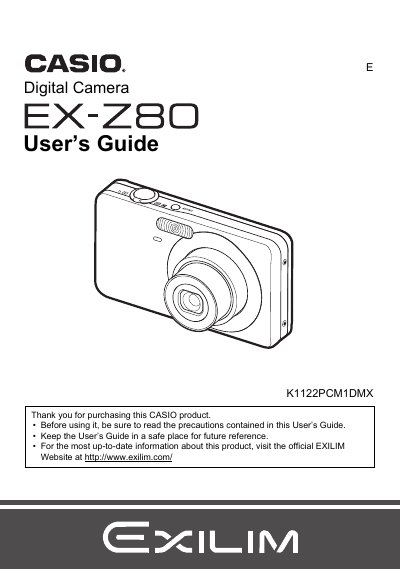
CASIO digit camera EX-Z80 Manual


CASIO digit camera EX-Z80 Manual - cover page
Brand
Casio
Category
Digital cameras
Document type
User Manual
Language
English
Pages
165
File format
PDF
File size
4.3 MB
Published
23 September, 2011
Updated
17 October, 2026
Model
EX-Z80
MD5 checksum
988485AC973E9F360C105732A8DF6538

About this manual

This is the user's guide for the Casio K1122PCM1DMX digital camera. It explains how to unpack the camera, charge and load the NP-60 battery, insert a memory card, and set the display language the first time the camera is turned on.

The guide also covers snapshot shooting, flash and auto shutter settings, face recognition, BEST SHOT scenes, movie and audio recording, viewing and editing images, printing with PictBridge or DPOF, connecting to Windows or Macintosh computers, and other camera settings.

What's inside

  • Unpacking
  • Quick Start Basics
  • Snapshot Tutorial
  • Recording Movie Images and Audio
  • Using BEST SHOT
  • Advanced Settings
  • Viewing Snapshots and Movies
  • Other Playback Functions
  • Printing
  • Using the Camera with a Computer

Frequently asked questions

What accessories come with the Casio K1122PCM1DMX camera?

The box contains the digital camera, a rechargeable lithium ion battery (NP-60), a charger unit (BC-60L), a power cord, a strap, a USB cable, an AV cable, and a CD-ROM.

What is the model number of this Casio digital camera?

The model number is K1122PCM1DMX.

Where can I find the most up-to-date information about this Casio camera?

Visit the official EXILIM Website at http://www.exilim.com/.

What type of battery does the camera use?

It uses a rechargeable lithium ion battery (NP-60).

Download PDF (4.3 MB)

More Casio Manuals


View all Casio manuals →