
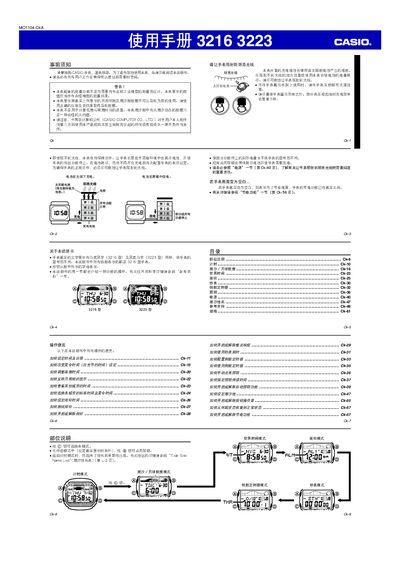
This manual explains how to configure the watch’s time, date, city code, and daylight‑saving settings, as well as how to use the tide/moon data, world‑time, alarm, stopwatch, and countdown timer functions. It also covers battery charging, power‑saving mode, and automatic illumination.
Safety warnings, battery‑charging guidelines, and detailed specifications are included to ensure reliable operation and proper maintenance of the watch. This manual is written in Chinese.
| Time display format | 12‑hour or 24‑hour, with AM/PM indicator |
|---|---|
| Calendar range | 2000‑2099 (full‑auto) |
| Power source | Solar cell + rechargeable battery |
| Measurement unit | 1/100 second |
Enter time‑setting mode by holding the four‑button until the city code flashes, then use the buttons to adjust hours, minutes and seconds before confirming.
In any mode, hold the illumination button (marked as 侠) for about three seconds to turn the automatic illumination on; press again to turn it off.
Enter alarm mode, use the full‑button to select the desired alarm, then adjust the hour and minute with the plus and minus buttons before exiting.
Select the tide/moon data mode; the screen will show the current tide information for the selected location and the moon phase for the chosen date.