
This manual introduces basic operations of the CASIO digital camera.
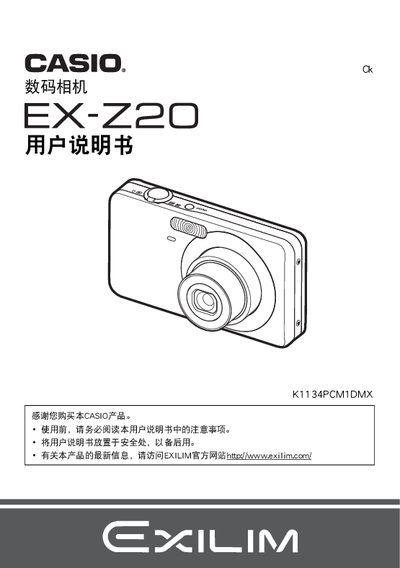
This manual guides users through unpacking, charging the NP‑60 lithium‑ion battery, and installing the supplied charger (BC‑60L). It explains how to insert and format memory cards, adjust camera settings, and use shooting modes such as auto focus, face detection, and burst shooting.
Additional sections cover playback, image editing, PictBridge printing, USB connection to Windows and Macintosh computers, and troubleshooting. Technical specifications for the battery and charger are listed at the end of the document. This manual is written in Chinese.
| Battery model | NP-60 |
|---|---|
| Battery rated voltage | 3.7 V |
| Battery capacity | 20 mAh |
| Battery operating temperature | 0 °C to 40 °C |
| Charger model | BC-60L |
| Charger input voltage | 100 V–240 V AC, 80 mA, 50/60 Hz |
| Charger output voltage | 4.2 V DC |
| Charging time | 90 minutes |
The battery charges in about 90 minutes.
The battery’s rated voltage is 3.7 V.
Use the “格式化内藏存储器或存储卡” function in the camera menu to format the card.