
This manual introduces the basic operation of the CASIO EXILIM K1190PCM2DMX digital camera.
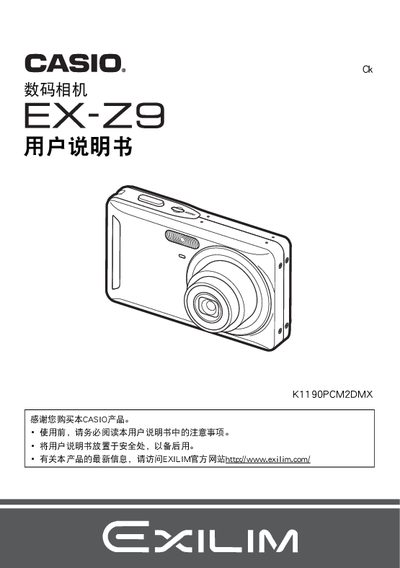
This manual guides you through unpacking, charging the NP‑60 lithium‑ion battery, installing the battery and charger, and preparing a memory card. It also explains basic camera functions such as taking photos, playback, and using features like face detection and image stabilization.
Additional sections cover advanced settings, connecting the camera to Windows or Mac computers via USB or PictBridge, formatting storage, and troubleshooting common issues. Safety notices and warranty information are included at the end. This manual is written in Chinese.
| Battery type | Lithium‑ion rechargeable (NP‑60) |
|---|---|
| Battery rated voltage | 3.7 V |
| Battery capacity | 20 mAh |
| Battery operating temperature | 0 °C to 40 °C |
| Battery dimensions | 37.9 mm W × 42.3 mm H × 5.0 mm D |
| Battery weight | ≈ 18.9 g |
| Charger input voltage | 100‑240 V AC, 80 mA, 50/60 Hz |
| Charger output voltage | 4.2 V DC, 600 mA |
| Charger operating temperature | 5 °C to 35 °C |
| Charger dimensions | 60 mm W × 20 mm H × 86 mm D |
| Charger weight | ≈ 629 g |
| Battery charging time | 90 minutes |
The battery charges in about 90 minutes.
It uses a lithium‑ion rechargeable battery, model NP‑60.
Select the format (initialization) option in the camera menu to format a new memory card.
Connect the camera to a Windows or Macintosh computer via USB or use PictBridge to save files directly.