
This manual introduces the operation methods of the CASIO EXILIM digital camera.
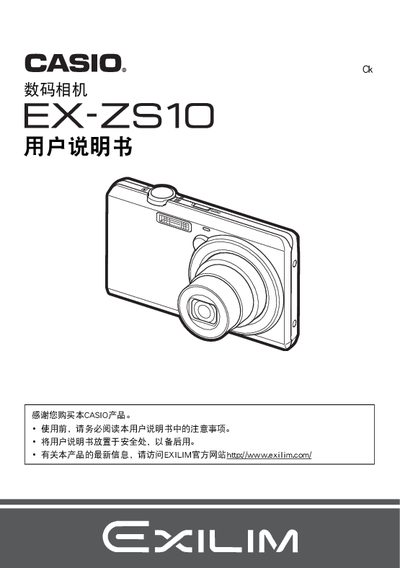
This manual covers the essential steps to get the EX‑zs10 ready for use, including battery installation, charging, and initial configuration. It also explains basic shooting functions, playback options, and how to connect the camera to a computer or printer.
Additional sections describe advanced features such as ISO settings, white‑balance adjustment, self‑timer, and video output. Safety warnings, warranty information, and troubleshooting tips are provided throughout the document. This manual is written in Japanese.
| Battery voltage | 37V |
|---|---|
| Battery capacity | 600 mAh |
| Charging voltage | 5.0 V DC |
| Charging current | 650 mA |
| Operating temperature range | 0 °C to 40 °C |
Yes, the camera supports PictBridge printing to a compatible printer.
Connect the camera to the computer via the USB port using the supplied USB cable.