
This document is a user manual for CASIO digital cameras, providing information on pre-use precautions, accessory list, characteristics of the LCD panel, etc.
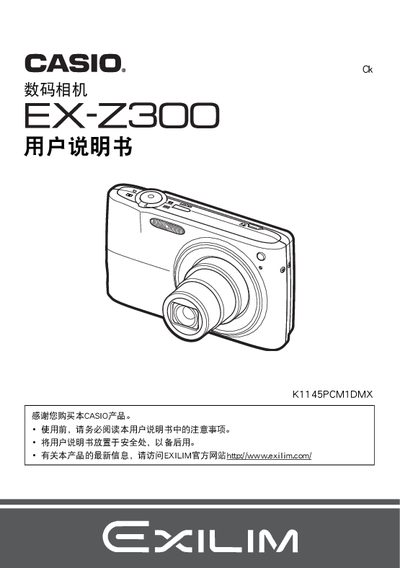
This manual guides you through unpacking the EX‑Z300, installing the NP‑40 lithium‑ion battery and BC‑31L charger, and preparing a compatible storage card. It explains basic camera handling, language selection, and how to power the device on and off.
Detailed sections cover shooting modes, image quality settings (ISO, exposure, flash, face‑recognition, burst, and best‑shot), playback functions, file management, and connecting the camera to Windows or Macintosh computers. The appendix includes troubleshooting tips and full specifications for the battery and charger. This manual is written in Chinese.
| Battery model | NP-40 |
|---|---|
| Battery rated voltage | 3.7 V |
| Battery capacity | 1300 mAh |
| Battery operating temperature | 0 °C to 40 °C |
| Battery dimensions (W×H×D) | 38.5 mm × 38.0 mm × 9.3 mm |
| Battery weight | ≈34 g |
| Charger model | BC-31L |
| Charger input voltage | 100‑240 V AC, 50/60 Hz |
| Charger output voltage | 4.2 V DC |
| Charger output current | 600 mA |
| Charger operating temperature | 5 °C to 35 °C |
| Charger dimensions (W×H×D) | 55 mm × 20 mm × 86 mm |
| Charger weight | ≈58 g |
| Battery charging time | 150 minutes |
The battery requires about 150 minutes to charge fully.
The battery is rated at 3.7 V.
Select the reset option to restore the camera to its initial factory settings.
Yes, the manual describes how to connect the camera to a Windows computer for file transfer and management.