
This quick setup guide provides the steps for correct installation of this device.
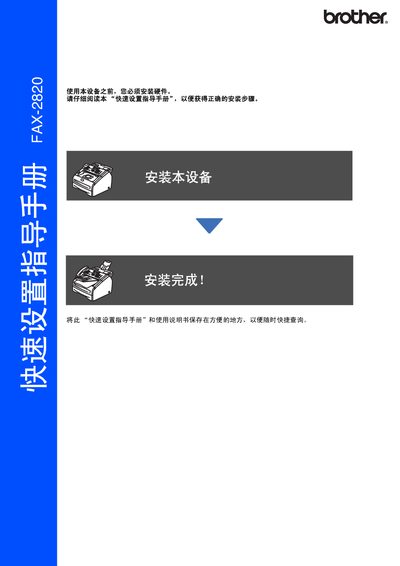
The guide walks you through installing the fax machine, connecting the power and telephone lines, loading paper, and attaching optional accessories such as the ADF tray and handset. It also lists the hardware components included in the box and explains how to open the front cover and replace the toner cartridge.
Configuration steps cover setting the date and time, choosing a receive mode (Fax Only, Fax/Tel, Manual, or External TAD), adjusting the LCD contrast, and installing consumables. The manual also provides information on required USB 2.0 cables for PC‑FAX functions and safety warnings for proper grounding. This manual is written in Chinese.
| USB interface | USB 2.0 cable required |
|---|---|
| Power plug | Three‑pin grounded plug required |
Press the function/set key, then 1, then 6, and choose Light or Dark to set the contrast level.
Press the function/set key, then 0, then 1, and use the arrow keys to choose Fax Only, Fax/Tel, Manual, or External TAD.