
This document is the user manual for MFC-250C MFC-290C, which introduces the certification information, editing and publishing statements, paper and document installation, general settings, security features, and fax sending and receiving functions of the device.
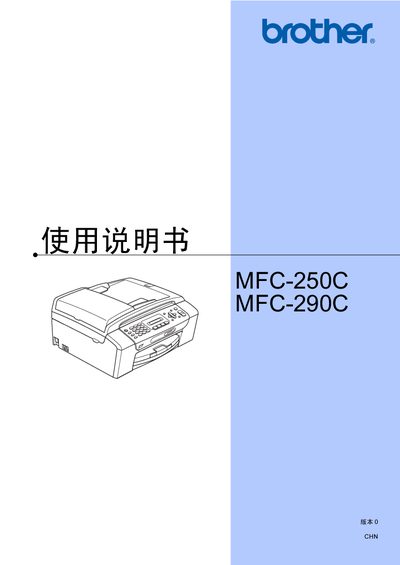
This manual covers all functions of the Brother MFC-250C and MFC-290C all‑in‑one printers, including printing, copying, scanning, faxing, and phone features. It provides step‑by‑step procedures for loading paper, using the automatic document feeder, printing photos from USB or memory cards, and configuring fax and telephone settings.
Safety notices, troubleshooting tips, and specifications are included, along with guidance on using only genuine Brother ink cartridges and the limitations of using the device outside the country of purchase. This manual is written in Chinese.
Brother recommends using only genuine Brother ink cartridges for best results and does not guarantee performance with other brands.
Brother states the product may not operate correctly outside the original purchase country and provides no guarantee for use on public communication lines abroad.
Select the photo printing option, choose the USB storage device, and follow the on‑screen prompts to print without a computer.