
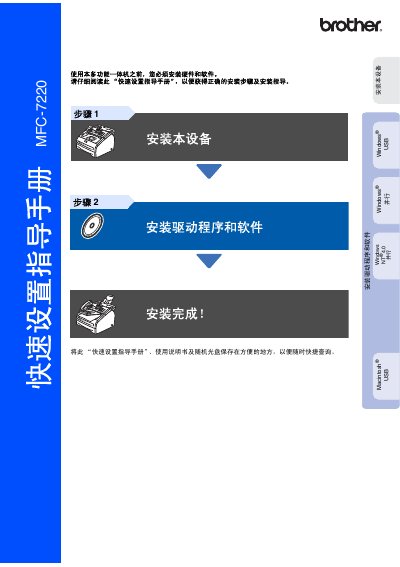
This quick setup guide is for the Brother MFC-7220 multi-function all-in-one. Keep the guide and the included CD in a convenient place, and read it before use to get the correct installation steps. Hardware and software must be installed before using the machine.
Setup covers the package contents, control panel, ADF document output tray, handset, drum unit, paper loading, power and telephone connections, date and time, station ID, receive mode, and LCD contrast. The second part describes installing the MFL-Pro Suite drivers and software for Windows and Macintosh, followed by options and consumables. This manual is written in Chinese.
| Interface | Parallel (IEEE 1248) |
|---|---|
| Compatible operating system | Windows 98/98SE/Me/2000/XP |
| Compatible operating system | Macintosh OS X 10.2.4 or higher |
Keep the quick setup guide and the CD in a convenient place for quick reference.
It supports Windows 98/98SE/Me/2000/XP.
Yes, for Macintosh OS X 10.2.4 or higher using a USB cable.