
PT-2700 User Manual is the user manual of PT-2700 Label Printer. It introduces the features and characteristics of the product, including input text, edit text, print, paste labels, save format / content, make various labels, and extend the service life of the product.
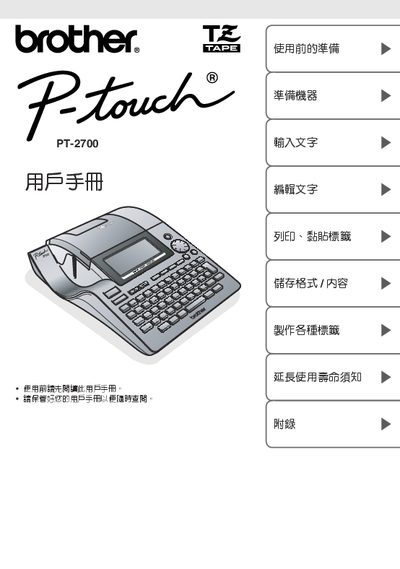
This manual explains how to prepare the Brother PT‑2700 label printer for use, including safety precautions, battery handling, and power‑source requirements. It also details the steps for entering text, selecting formats, and printing labels.
Additional sections cover maintenance procedures, troubleshooting common issues, and answers to frequently asked questions to help keep the device operating reliably. This manual is written in Chinese.
No, you must not use a power source other than the specified 220 V.
No, charging a partially inserted battery is prohibited.