
This quick start guide describes how to open the device package and check components, connect the device to the power and connect to the network, install paper, change consumables, print a test page and set the language.
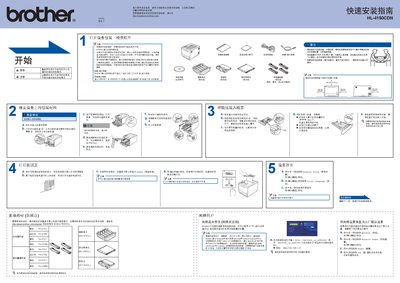
This quick installation guide explains how to unpack, connect power, and set up the Brother HL‑4150CDN printer safely. It includes important safety notices such as not plugging the power cord into an AC source before following the instructions.
The guide walks you through connecting the USB 2.0 (AB type) interface, configuring network settings, loading the toner, and installing the driver software on Windows and Mac OS X systems using the provided CD‑ROM and XML Paper Specification tools. This manual is written in Chinese.
| Weight | 21.0 kg (46.3 lbs) |
|---|---|
| Width | 200 mm (7.87 in) |
| USB Interface | USB 2.0 (AB type) |
| Supported Windows Versions | Windows Vista, Windows 7 |
Do not plug the power cord into an AC source before following the installation instructions.
It uses a USB 2.0 (AB type) interface.
The printer weighs 21.0 kg (46.3 lbs).