
This document provides instructions for using Brother printers, including DCP-193C, DCP-195C, DCP-197C, DCP-365CN, DCP-373CW, DCP-375CW, and DCP-377CW. It covers topics such as paper and document handling, general settings, copying, and direct printing.
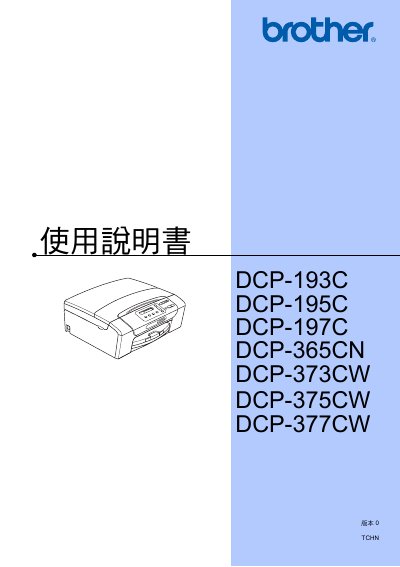
This manual provides detailed instructions for using and maintaining the Brother DCP‑193C, DCP‑195C, DCP‑197C, DCP‑365CN, DCP‑373CW, DCP‑375CW, and DCP‑377CW all‑in‑one printers. It includes sections on general description, loading paper, printing, copying, scanning, and configuring network functions.
The guide also contains safety information, troubleshooting steps, and instructions for registering the product online. Specific features such as PictBridge photo printing are described for the applicable models. This manual is written in Chinese.
Visit the registration page at http://www.brother.com/registration/ to register the product.
Yes, for DCP‑193C, DCP‑195C, DCP‑197C, and DCP‑365CN you can use PictBridge to print photos directly from a compatible camera.
Network usage instructions are provided in the network usage guide referenced on page 121 of the manual.
Refer to the troubleshooting and daily maintenance section (page 63) for error codes and maintenance procedures.