
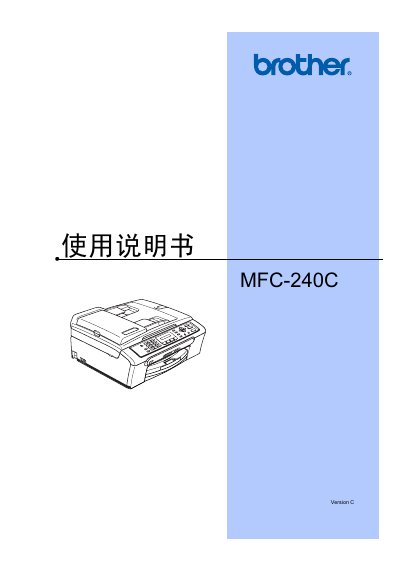
This manual covers all aspects of using the Brother MFC-240C multifunction device, including loading paper, configuring general settings, and safety features. It explains how to operate the printer, scanner, fax, and telephone functions, and provides guidance on troubleshooting and routine maintenance.
Additional sections describe the Image Capture Center, PictBridge printing, software requirements, and detailed specifications such as memory capacity, paper handling, and environmental limits. The appendix includes safety regulations, a glossary, and an index for quick reference. This manual is written in Chinese.
| Memory Capacity | 16 MB |
|---|---|
| Automatic Document Feeder Capacity | Up to 10 pages |
| Operating Temperature | 20°C – 30°C |
| Operating Humidity | 50% – 70% |
| Paper Capacity | 100 sheets (A4, 80 g/m²) |
| Printer Type | Inkjet |
| Print Resolution | 94×1 (black) / 94×3 (color) dpi |
| Power Supply | AC 220‑240 V, 50/60 Hz |
The automatic document feeder can hold up to 10 pages.
Original Brother ink cartridges should be used for best performance.
The device operates between 20 °C and 30 °C.
The printer has a memory capacity of 16 MB.