
Dell Vostro 3578 laptop quick start guide, including product support and manuals, regulatory and safety, computer model, etc.
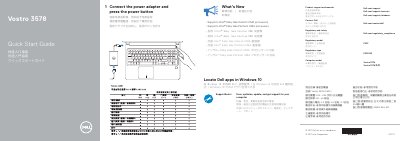
This quick start guide for the Dell Vostro 3578 laptop explains how to connect the power adapter and press the power button, and lists support, manuals, and regulatory compliance resources.
It also lists hardware features such as ports, camera, microphone, optical drive, fingerprint reader, touchpad, speakers, battery, and service tag, along with processor support and Dell applications in Windows 10. This manual is written in Chinese.
| Regulatory model | P63F |
|---|---|
| Regulatory type | P63F002 |
| Computer model | Vostro 3578 |
| Rated voltage | 100 - 240 V (AC) |
| Rated frequency | 50 - 60 Hz |
| Rated input current | 1.3 A / 1.6 A / 1.7 A |
| Processor support | Intel Kaby Lake Celeron UMA and Pentium UMA processors |
| USB ports | USB 2.0 port and USB 3.1 Gen 1 ports |
Connect the power adapter and press the power button.
Support and manuals are available at Dell.com/support and Dell.com/support/manuals, with Windows help at Dell.com/support/windows.
The listed ports include USB 2.0, USB 3.1 Gen 1, HDMI, VGA, network, and headset ports.
A fingerprint reader is listed as an optional feature.