
Dell Latitude 7390 2-in-1 Quick Start Guide
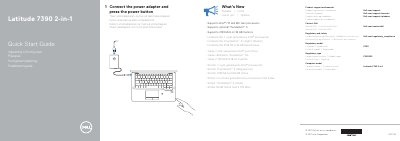
The guide provides initial setup instructions: connect the power adapter and press the power button. It also lists product support URLs, regulatory compliance information, and the regulatory model (P29S) and type (P29S002).
A "What's New" section highlights support for Intel 7th and 8th Gen processors, optional Thunderbolt 3, and 2133 MHz memory on 16 GB configurations. A detailed features diagram identifies ports, cameras, sensors, slots, and optional components such as fingerprint reader, active pen, and smartcard reader.
| Regulatory model | P29S |
|---|---|
| Regulatory type | P29S002 |
| Computer model | Latitude 7390 2-in-1 |
| Processor support | Intel 7th and 8th Gen |
| Thunderbolt 3 | Optional |
| Memory speed | 2133 MHz on 16 GB |
Connect the power adapter and press the power button.
The device supports Intel 7th and 8th generation processors.
Thunderbolt 3 is supported as an optional feature.
The regulatory model is P29S.